A virtual contact card (vCard) is a file format for electronic business cards that can be shared via email. Rocketseed allows users to add vCards to the signatures added to their outgoing emails. When an email recipient clicks the vCard link, the sender information that is held for in the Rocketseed database is served in a .vcf file. These .vcf files are created in a format that can automatically add to any email address book.
Adding a vCard to your signature
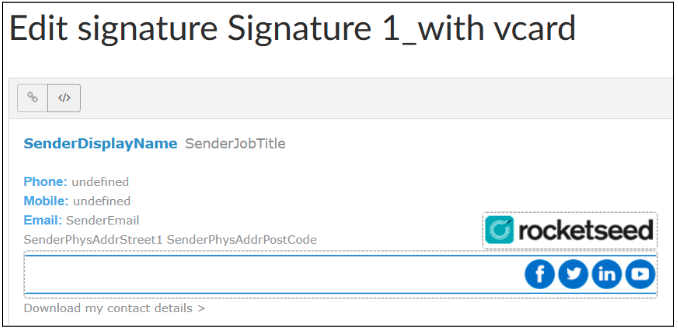
Create your signature as normal, as shown in the image below
Highlight the section you’d like to have the vCard link, in the image below the words “Download my contact details” are being used
The Add Tracker page will automatically be displayed
The text you are linking will be displayed in the “Link Text” section
You need to do is add the URL which will be “https://CNAME*/vcards
*The CNAME will be the same CNAME all your trackers use (e.g. rs.example.com)
Click the Save Tracker button
When the email is received
The recipient clicks on the vCard link and the .vcf file is downloaded and looks like the image shown below
Windows users click on the file which opens the user information as shown below. The information is then automatically added to their address book, once you click save.
Mac users can add that file to their address book as follows: